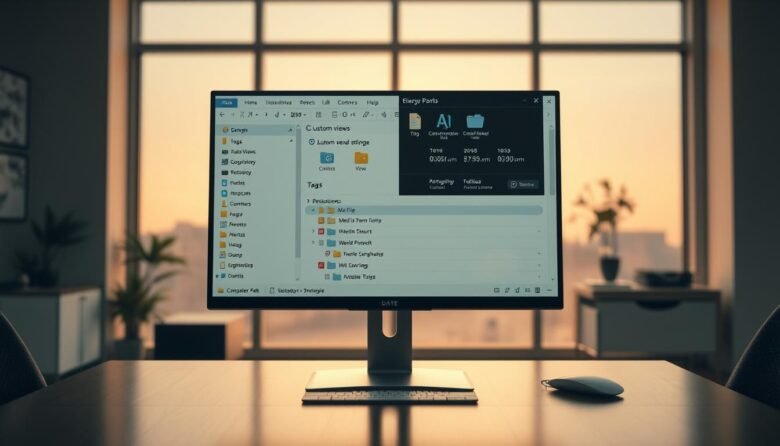
This short guide teaches practical, power-user ways to speed up Windows navigation and tighten file management. You will learn how Quick Access, OneDrive links, and panes make documents and photos easier to find. Expect clear steps for changing defaults like opening to This PC, showing name extensions, and revealing hidden items to avoid surprises. We …
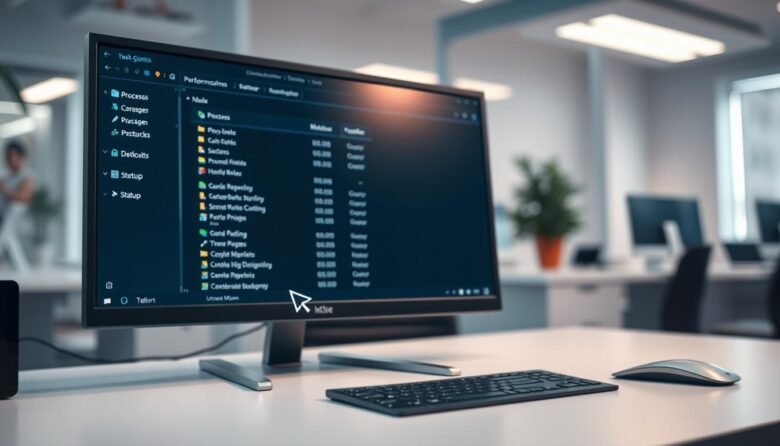
The Windows Task Manager is a built-in utility in Windows 10 and Windows 11 that gives live insight into CPU, memory, disk, network, and GPU use. It shows detailed statistics for each process so you can spot what slows your system and act fast. The simple view helps you close a frozen app in seconds. …

Quick setup makes wireless pairing fast and stress-free. This guide walks you through simple steps to get your phone, computer, car, speaker, or wearable talking to one another in minutes. The technology uses short-range radio to form a secure link. On Android, a small icon appears at the top of the screen when a connection …
Can’t get your printer to respond? This short guide walks you through friendly, tested steps to get back to print fast without guesswork. Start with simple checks, then move into Windows settings and deeper troubleshooting only if needed. We cover both wired and wireless basics, including loose cable checks and how to confirm your devices …
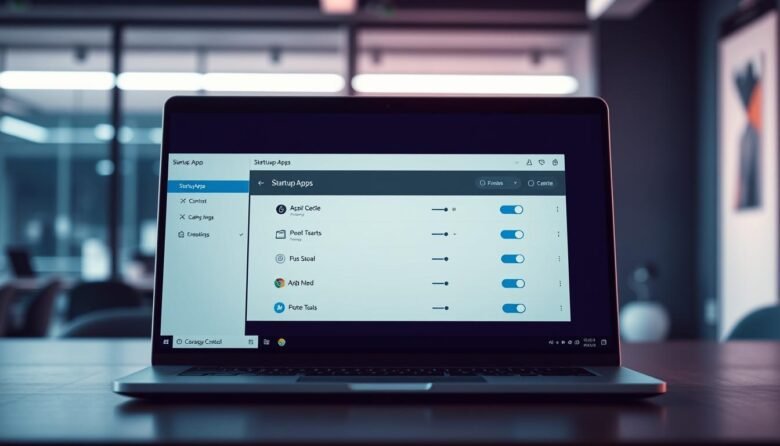
Slow sign-ins and long boot times usually come from programs that launch when Windows starts. These background entries can use CPU, memory, and disk and make your computer feel sluggish right after you sign in. You can control most items from Settings > Apps > Startup or the Task Manager’s Startup tab. Task Manager also …

If a “USB Device not recognized” error popped up on your Windows PC, stay calm. This short guide walks you through fast, safe steps to get a device talking to your computer again while protecting your data. We start with the quickest checks: reconnect the cable, try another port, and restart Windows. These simple moves …
Quick fixes often clear common display glitches. This short guide shows a friendly, stepwise approach to restore a normal viewing experience on your Windows device. Start with the simple checks: use the built-in slider, confirm power plan settings, and try a restart. These first steps catch many temporary faults and save time. If the issue …
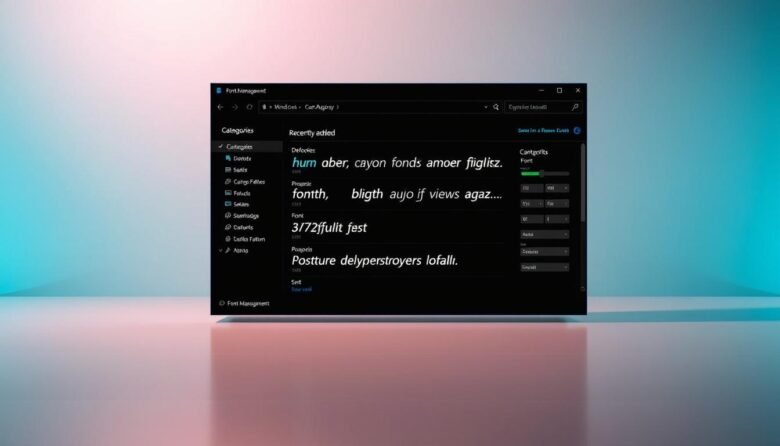
Getting new type on your computer should be quick and reliable. This guide explains how to install fonts windows users trust and when each way makes sense. You can add a new font through Settings, File Explorer, or the Microsoft Store. Each option has clear steps and works across Windows 11 and 10. We also …
Want a faster device and more free storage? This quick guide shows reliable steps to remove temporary files and speed up your system without guesswork. Cookies store sign-in info and preferences, and they are usually safe when you avoid suspicious sites and keep security up to date. A browser cache keeps copies of pages and …
Get more from your PC with quick tweaks that boost productivity, comfort, and security. This short guide shows how to access lesser-known features tucked into the OS. You’ll learn simple steps that make everyday tasks faster and safer without extra downloads. Many of these options arrive with recent updates, so keep your system current to …